DESKTOP / WEB / ENGINEERING TOOLS

Custom software development.

Software built around the way you work.

We develop applications that help people operate equipment, manage information and complete everyday tasks. From interface design to deployment, we shape the application around its users, requirements and operating environment.

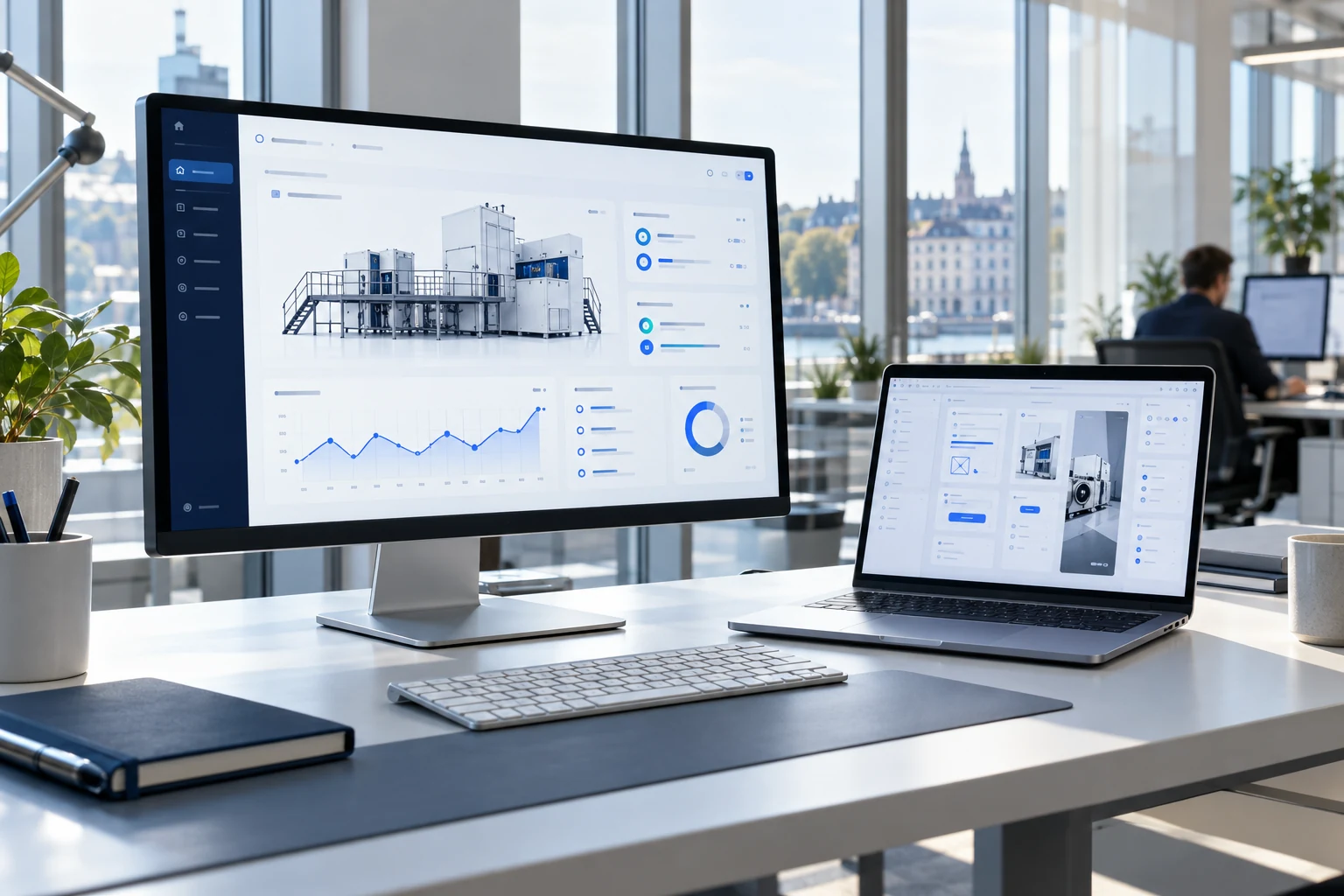
Illustrative software development workspace with an equipment dashboard and interface design on a laptop
Illustration of a typical engineering workspace.

HOW WE CAN HELP

Applications we can build.

Build a new application, extend an existing one or connect software that currently works in isolation. The platform and architecture are selected for the project.

Desktop & web applications

Create clear, practical software for individual users, teams and customer-facing services.

  • Windows applications and browser-based platforms
  • User roles, records and task management
  • Installation, hosting and release preparation

Operator interfaces & dashboards

Make equipment status, controls and measurements easy to understand and use.

  • Human-machine interfaces and configuration tools
  • Live data, trends and diagnostic information
  • Connection status, error messages and recovery

Engineering & test tools

Develop the utilities needed to configure, evaluate and maintain your product.

  • Protocol simulators and data logging
  • Calibration and firmware update utilities
  • Automated checks and report generation

Systems & data integration

Connect the application to the hardware and services it depends on.

  • APIs, databases and data import/export
  • Equipment interfaces and communication adapters
  • Authentication, access control and synchronisation

EXAMPLE APPLICATION

Operate a connected product

Give users one interface for measurements, permitted settings, diagnostics and maintenance tasks.

For example, a service application can connect to the device, read fault records, guide permitted configuration changes and export a report. The software is developed around the actual device protocol and the tasks your users need to complete.

Coordinate field work

Bring assignments, equipment records and service reports into a shared web application.

Replace a manual reporting step

Read the agreed data sources, apply consistent calculations and generate a reviewable report.

HOW WE WORK

From requirements to handover.

Agree on a useful first release, review working software at milestones and verify it in the intended environment.

  1. Define the application

    Identify users, tasks, interfaces and constraints. Prioritise functions and agree on acceptance criteria.

  2. Design and demonstrate

    Prepare the architecture and interface prototype. Review important user journeys before implementation.

  3. Develop and test

    Implement the application and integrations. Check normal use, invalid inputs, interruptions and recovery.

  4. Deploy and hand over

    Prepare installation or hosting, document the software and agree on maintenance and future changes.

PROJECT DELIVERABLES

What you receive.

  • Agreed application builds and interface designs
  • Source files, build instructions and integration documentation
  • Test results, release notes and known limitations
  • Installation guidance and an agreed support plan

Scope and delivery arrangements

The supported platforms, users, functions, data sources and interfaces are agreed at the start. Source ownership, third-party dependencies, hosting and maintenance are addressed in the project scope.

The quotation defines supported platforms, source-file delivery, third-party dependencies, deployment responsibilities and ongoing support.

LET’S DEFINE THE NEXT STEP

What should your software make easier?

Tell us who will use it, the main tasks and the equipment or systems it needs to connect to.

Discuss your project

Scope, deliverables and pricing are confirmed in a quotation.

Back to all services